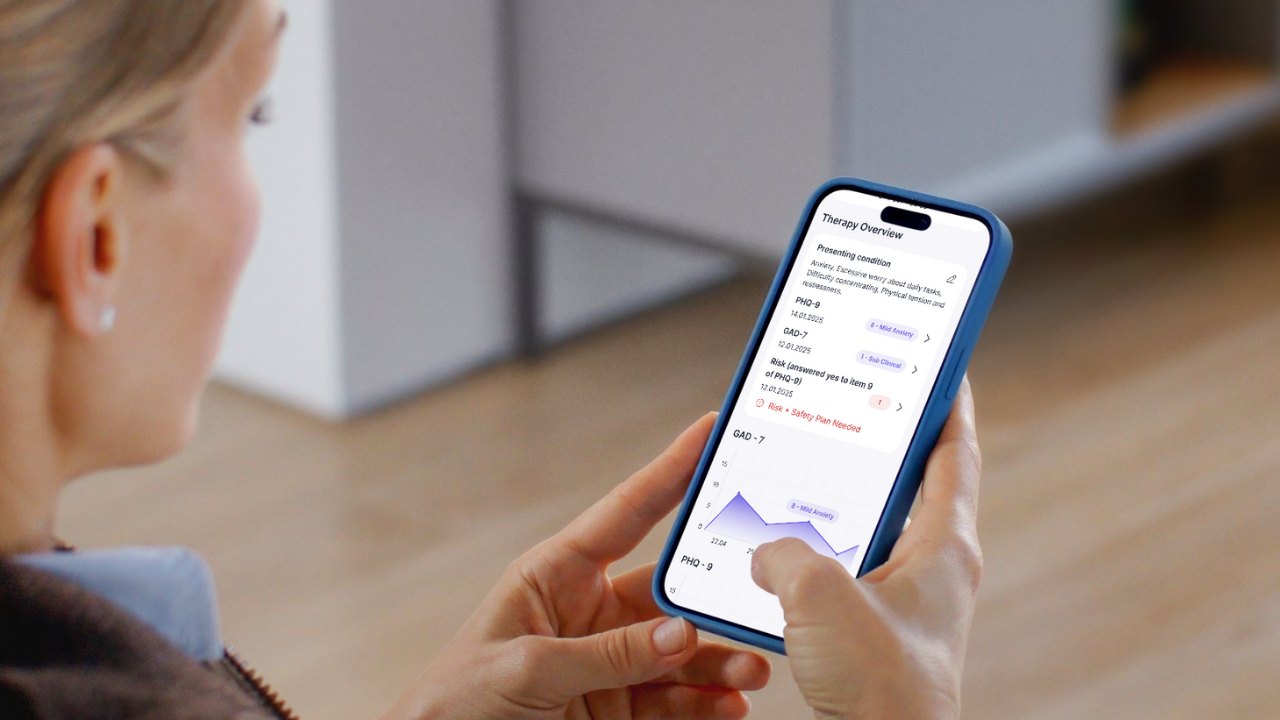


Digital-supported CBT setup means using technology to handle the routine parts of therapy whilst you focus on what matters most: your clients. Think of it as having a skilled assistant who manages your paperwork, tracks homework, and organises session notes. You keep full control of the therapy itself.
This approach combines your clinical expertise with smart tools that reduce admin burden. You’ll use therapist-designed platforms to create session templates, send homework reminders, and track progress. The technology handles the repetitive tasks that eat into your evenings and weekends.
It’s not about replacing your clinical judgement or letting computers do therapy. These tools support your existing CBT framework without changing your current client work. They make the administrative side smoother and faster.
Table of Contents
What to Avoid When Choosing Digital Tools for CBT
- Generic medical record systems that weren’t built for therapy
- AI chatbots attempting to replace therapist relationships
- Complicated software requiring IT expertise
- One-size-fits-all solutions that ignore your unique approach
What You’ll Need to Get Started
- Your existing CBT framework and clinical approach
- Basic comfort with technology (email level is fine)
- A therapist-first digital platform (not generic medical software)
- 30 minutes to set up your initial workflows
- Openness to gradual integration rather than overnight transformation
Step 1: Map Your Current CBT Process
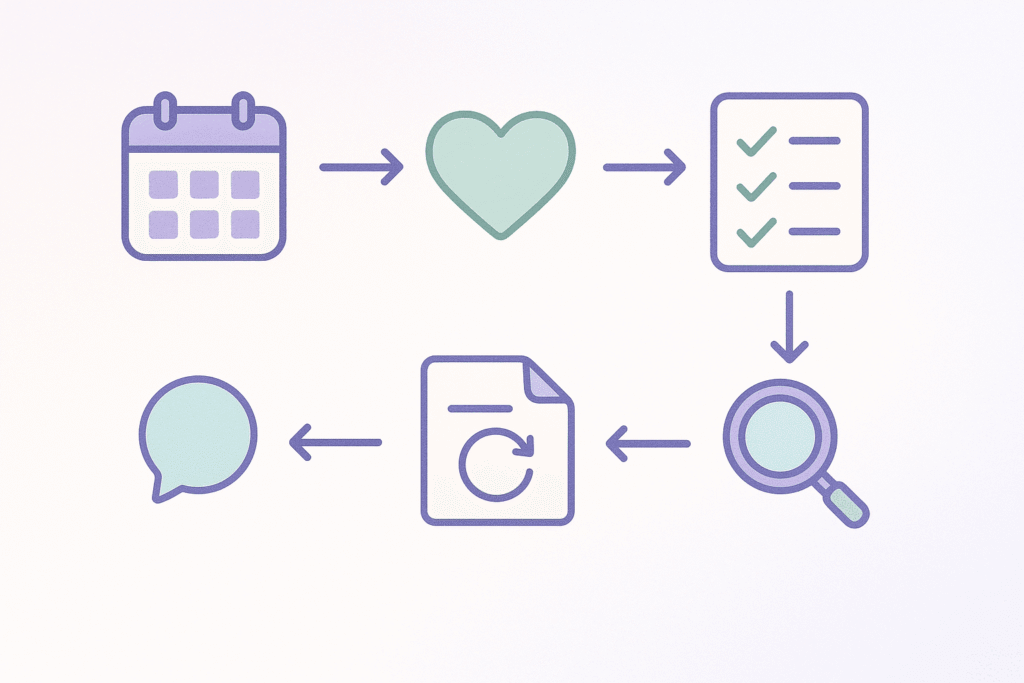
Start by taking stock of how you currently run CBT sessions.
Write down your typical session flow from greeting to goodbye. Most therapists follow a similar structure: mood check-in, agenda setting, homework review, core therapeutic work, summary, and new homework assignment.
Next, track where your time actually goes. Keep a simple log for one week. Note how long you spend writing session notes, preparing homework sheets, and chasing up incomplete tasks. Most therapists lose 3-5 hours weekly to these repetitive tasks.
Finally, spot the patterns. Which tasks feel like groundhog day? Usually it’s rewriting similar session summaries, manually tracking homework completion, or repeatedly explaining the same CBT concepts. These repetitive elements are perfect candidates for digital support.
You’re not changing what works clinically. You’re simply identifying where technology could free up your time for actual therapy.
Step 2: Choose Your Digital Foundation

Start by looking for platforms built specifically for therapists. Generic healthcare software often creates more work than it saves. You want tools that understand therapy workflows, not medical billing systems.
Check that any platform meets HIPAA standards and UK/EU data protection rules. This isn’t negotiable. Your clients trust you with sensitive information, and proper security protects both of you.
Before showing anything to clients, test it yourself. Click through every feature. Try creating a session note. Upload a worksheet. If it feels clunky to you, it’ll frustrate your clients too.
Make sure the platform supports your CBT approach without forcing changes. Good therapy software adapts to your methods, not the other way round. If a tool demands you restructure your entire practice, it’s the wrong tool.
Step 3: Create Your Session Templates
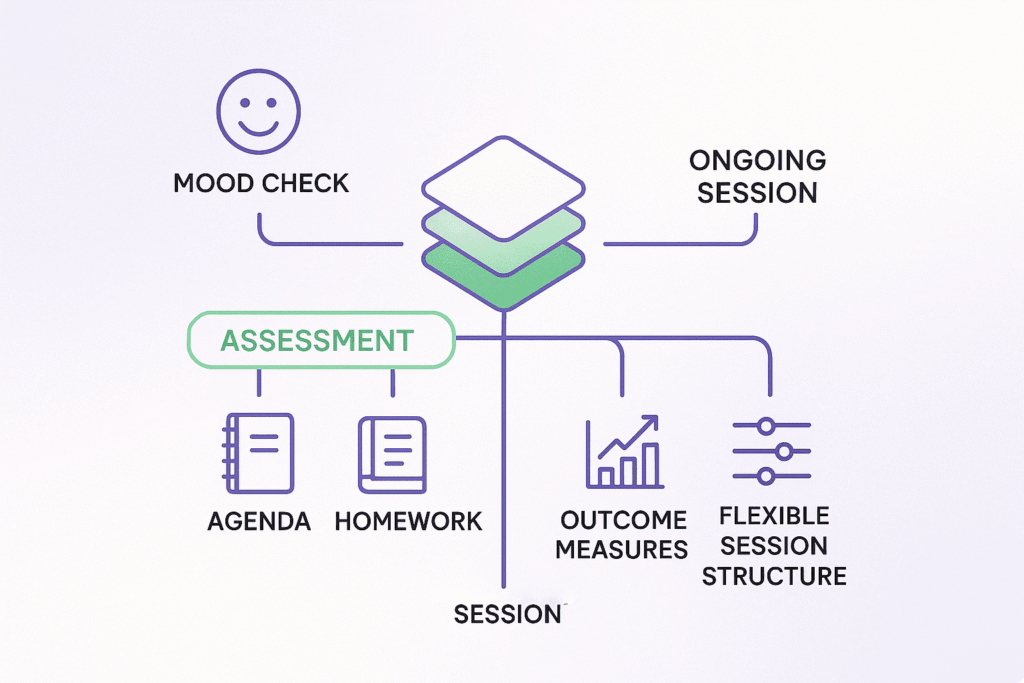
Start by building a standard session structure template that reflects your clinical approach. Include clear sections for each part of your typical CBT session. Add prompts for mood check-ins, collaborative agenda setting, and homework review to ensure nothing gets missed.
Set up your preferred outcome measures within the template. Whether you use PHQ-9, GAD-7, or other validated tools, having them ready saves precious minutes. Build them into your workflow so tracking becomes automatic rather than an afterthought.
Design your templates with flexibility in mind. Each client brings unique needs, so create sections you can expand or skip as needed. Include space for cognitive restructuring exercises, behavioural experiments, and skill practice. This structure supports consistency whilst allowing clinical flexibility.
Consider creating different templates for initial assessments versus ongoing sessions. Your first session needs more comprehensive sections for history and goal setting. Regular sessions can focus more on progress tracking and skill building. Having both ready means you’re always prepared.
Frequently Asked Questions
“What if my client isn’t tech-savvy?”
Always offer alternatives and never make digital tools mandatory. Spend extra time in the first session demonstrating if needed. Remember: the tools support therapy, they don’t define it.
“Can I skip the setup and dive straight in?”
Taking 30 minutes upfront saves hours later. Proper setup prevents confusion and builds client confidence. You’ll deliver better therapy when admin isn’t weighing you down.
“What about therapeutic alliance with digital tools?”
Research shows digital support enhances rather than replaces connection. Tools handle logistics so you can focus on relationship building. Clients often feel more supported between sessions.
“Do I need to be tech-savvy myself?”
If you can send emails and use basic software, you’re ready. Most therapist-first platforms are designed for clinical professionals, not IT experts. Support teams understand your needs and speak your language.
A Practical Plan for Testing Digital Tools in Your Practice
- Start with one new client to test your digital workflow. This lets you refine your approach without overwhelming your entire caseload. Choose someone who seems open to technology but doesn’t require your most complex interventions.
- Track time saved in your first month of implementation. Note how long session prep, notes, and homework tracking take now versus before. Most therapists report saving 3-5 hours weekly once they’re comfortable with their digital setup.
- Gather client feedback after 3-4 sessions using digital support. Ask what’s working, what feels clunky, and whether they’re finding homework easier to complete. Their input helps you adjust your approach for future clients.
- Join therapist communities discussing digital integration best practices. Online forums and professional groups share practical tips, troubleshooting advice, and success stories. You’ll learn from colleagues facing similar challenges.
- Consider advanced features once basic workflow feels natural. Start simple with session notes and homework. Later, explore outcome tracking, secure messaging, or automated progress reports. Build confidence gradually rather than trying everything at once.
Ready to Spend Less Time on Admin?
Flutura is the therapist-first platform built to streamline CBT delivery, reduce burnout, and boost client outcomes – all without the tech overwhelm.
Join the waitlist today to be among the first to access smart session notes, gamified client tools, and structured therapy workflows that actually work.